Prerequisite Steps
Step 1
Obtain the installation file and login credentials for the MetaTrader platform, from your brokerStep 2
Install the MetaTrader platformStep 3
Click install. Then click Finish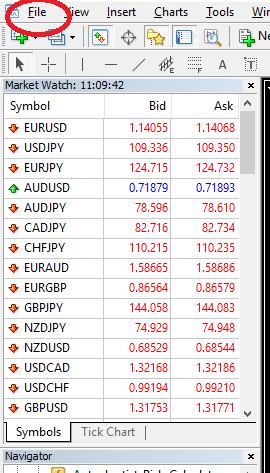
Step 4
Log into your MetaTrader account by following these steps:1) Start the MetaTrader platform
2) Click on File in the menu bar, then click on "Login to Trade Account"
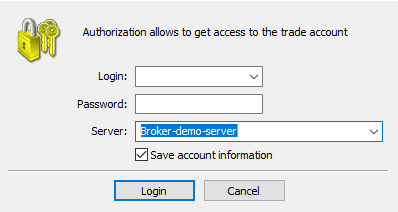
3) Enter your credentials and click Login.
4) Confirm that you have successfully logged in, by checking the status in the bottom-right corner of the platform.
MT4 Validation

MT5 Validation
1. Installation
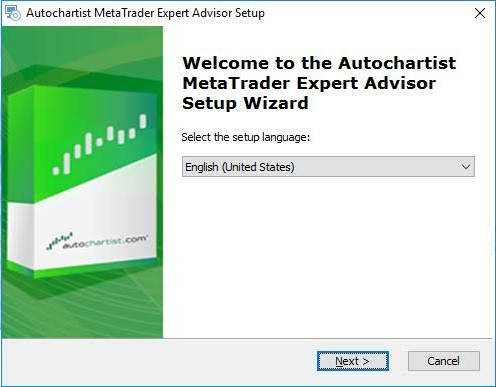
Step 1
The first window will ask you to select the language you wish to display during the rest of the installation.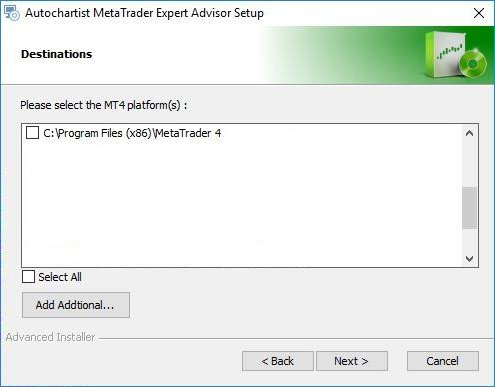
Step 2
After the welcome and disclaimer windows, the installer will determine all valid installations of MetaTrader and display them in a list. Tick the check box next to each MT4 platform you wish to install this plugin for. if your MetaTrader platform is NOT listed, please see the Trouble Shooting Section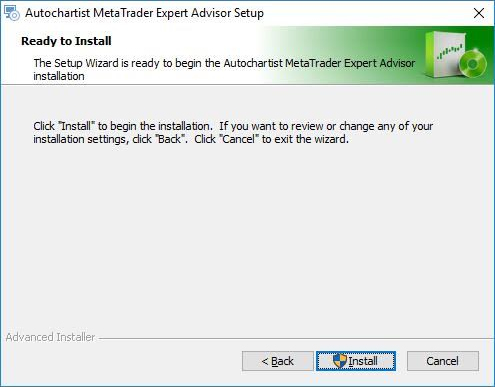
Step 3
Click install. Then click FinishStep 4 (Required only for MT5 Installation)
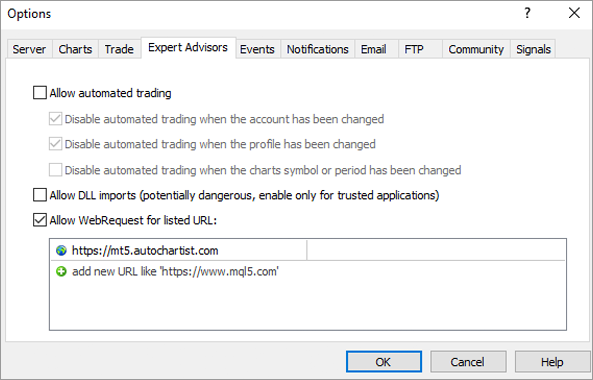
1) Open MetaTrader 52) Click on Tools in the menu item
3) Click Options
4) Click Experts Advisors tab
5) Tick the box next to "Allow WebRequest for the listed URL:"
6) Double click on "add new URL" and paste or type: https://mt5.autochartist.com
7) Click OK
Step 5
Open MetaTrader and drop the Autochartist MetaTrader Plugin onto a chart.Step 6
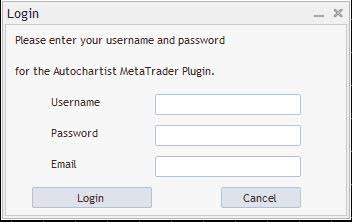
Step 6 - A
If you are installing the Autochartist MetaTrader Plugin as a Direct User Subscriber, or if your broker requires a username and password login procedure, the first window will ask you for your username, password and email address. Please consult your broker for the username and password (if they require it) or as a Direct user please check the email you received from Autochartist that contains your username and password.Enter your credentials and click Login
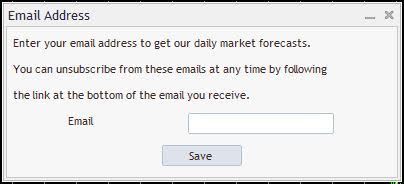
Step 6 - B
If you are installing Autochartist MetaTrader Plugin as a broker-user, enter your email address then click Save2. Market Scanner - User Guide
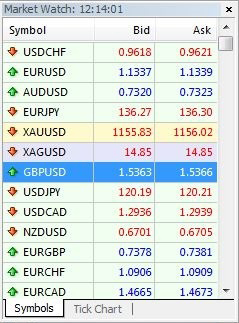
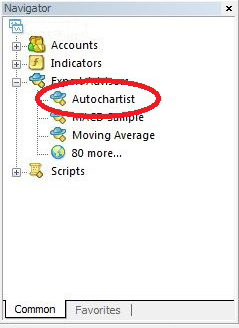
Once your advisor has been installed, you can (re)start your MetaTrader terminal, and it should be listed in the Navigation window, under the Expert Advisor tree-node.
Drag the Expert Advisor onto any chart window.
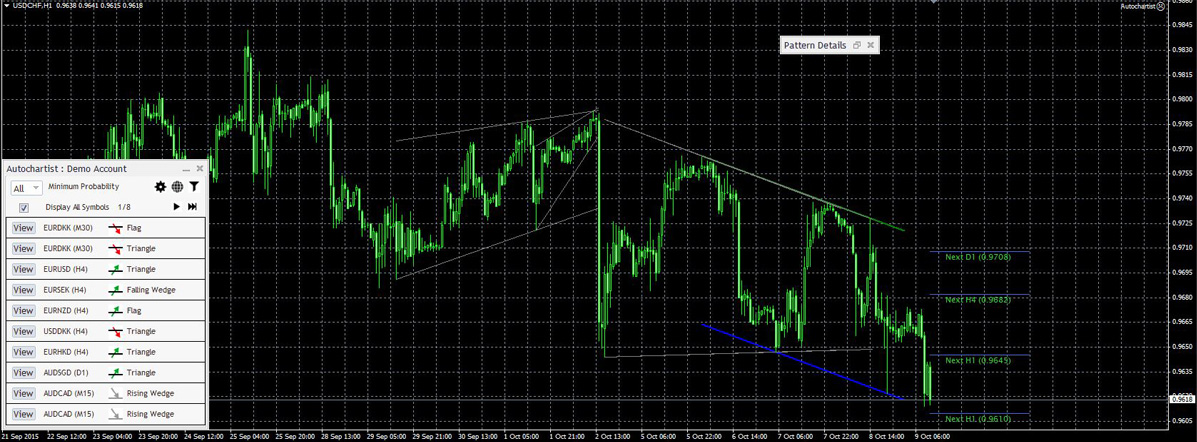
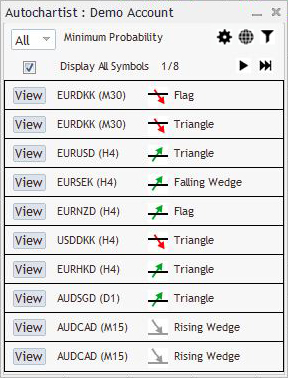
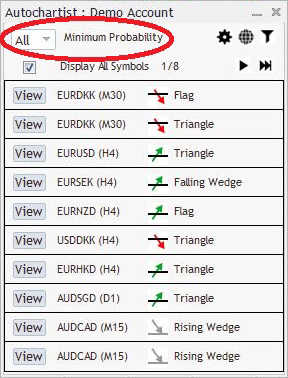
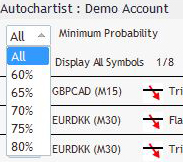
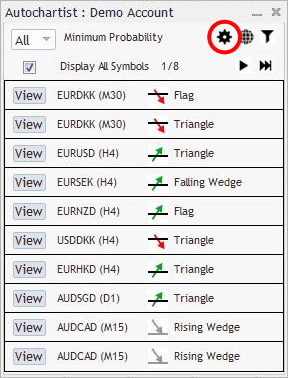
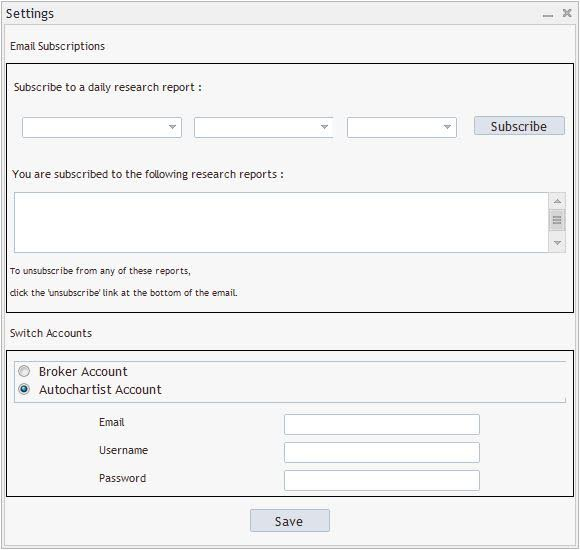
After subscribing you will receive an email report once a day for the specific reports, sessions and languages you have selected, about relevant patterns that can be used to enhance your trading strategy. You can subscribe to multiple reports, for multiples sessions in multiple languages.
Change Account. here you can swap between a Broker user account, or a Direct user account, by providing the necessary credentials.
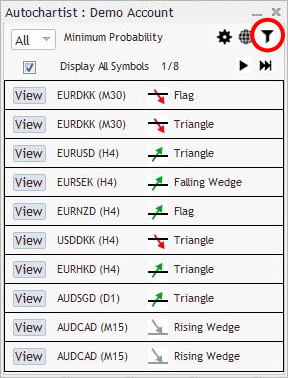
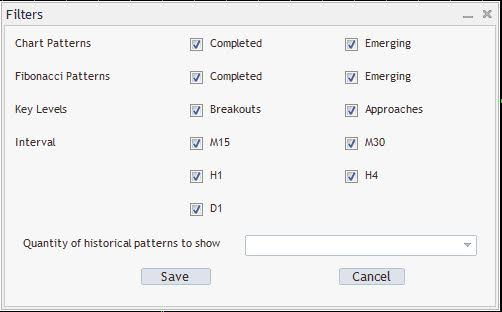
In this window you can select the types of patterns you wish to view.
Quantity of historical patterns:
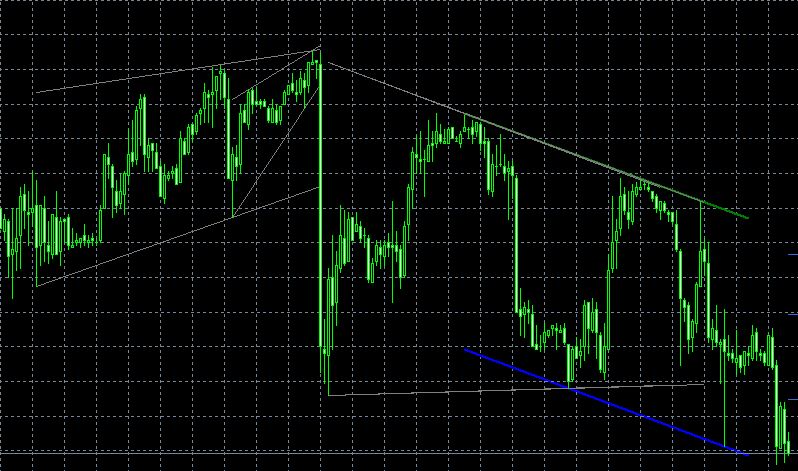
Historical patterns will be displayed on the chart as grey lines. This gives a very basic overview of the direction that the instrument has taken according to the patterns Autochartist has identified in the recent past.

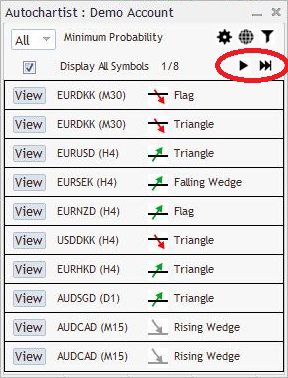
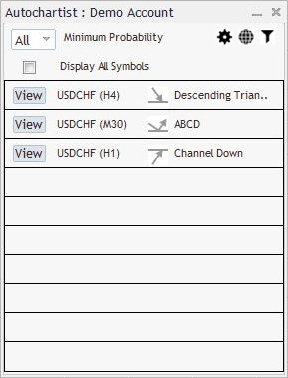
If this box is unticked, then the Expert Advisor will try to retrieve all patterns for only the symbol of the chart for all periods.
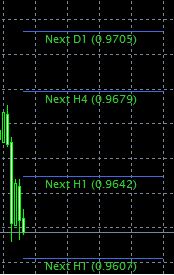
This indicator displays statistical analysis of volatility over a period of 6 months, for this specific instrument at this specific time. The volatility indicator will display the averaged maximum price movement for the next 15 minutes, 30, 1 hour, 4 hour and 1 day based on statistical analysis of the last 6 months.
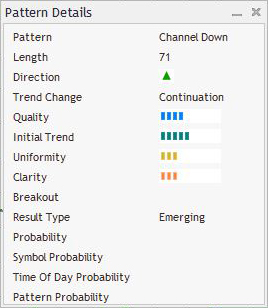
All of the windows of the Autochartist Expert Advisor can be dragged to a different location, or minimized. All except the "Pattern Details" window can be closed. Once the close-button of the main windows is clicked, the Expert Advisor will remove itself from the chart window.
3. Statistical Analysis
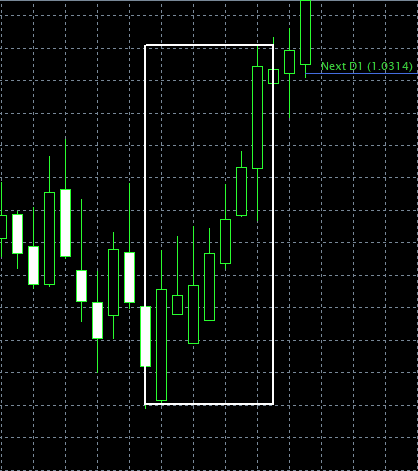
Identified cases of very large market movements that may result in continuation of the current trend.
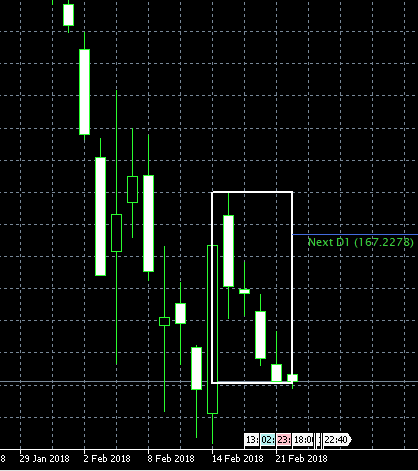
Identifies instances when excessive amounts of candles have closed in the same direction - signalling a possible reversal.
4. Risk Calculator - User Guide
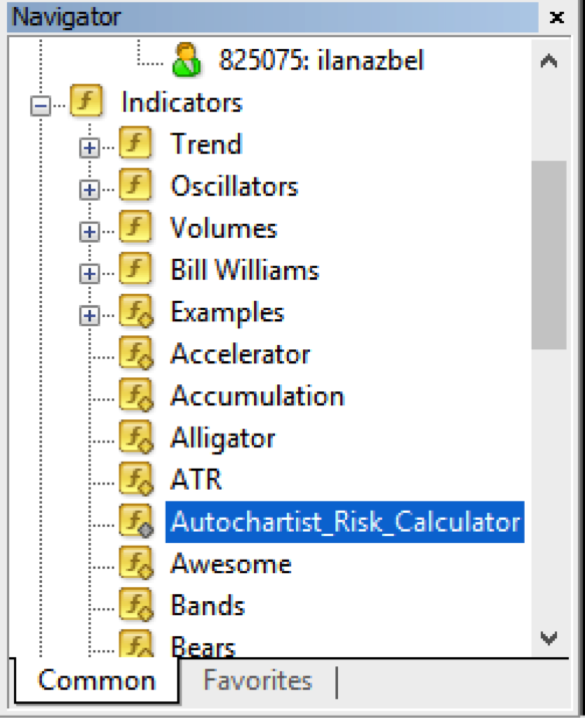
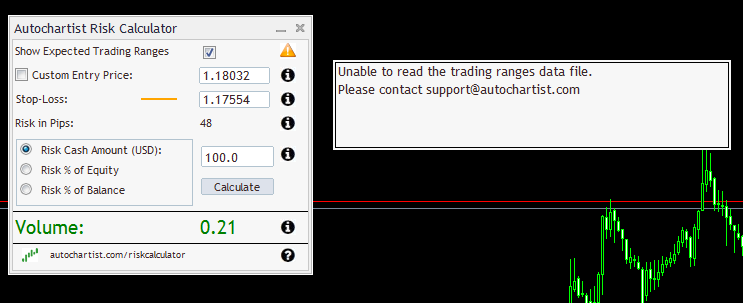
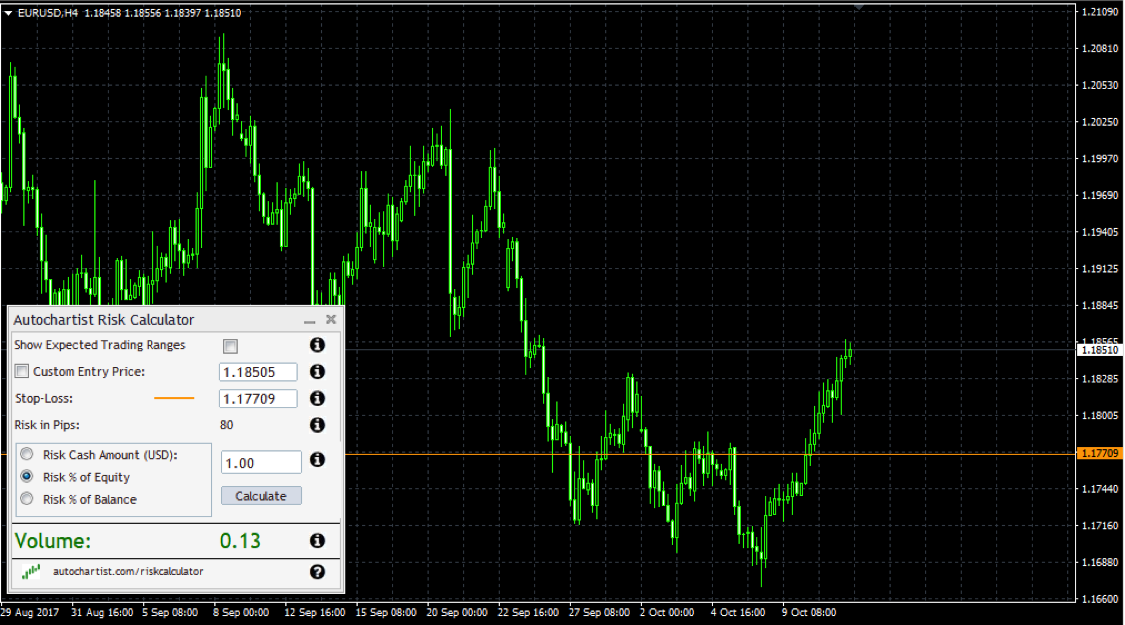
Once successfully initiated, the Risk Calculator will display as below:
The Risk Calculator control panel has a number of features:
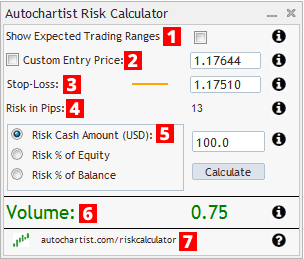
- Tick the checkbox to enable Expected Trading Ranges.
Ranges are based on price movements observed in the last 6 months for the current day of week and time of day. - Set your desired entry level by moving the entry level line on the chart or by typing in a specific level.
- Set your desired stop-loss level by moving the stop-loss level line on the chart or by typing in a specific level.
- This number represents the number of pips difference between your entry price and stop loss
- How much money you are willing to risk on this trade.
- This is the position size you need to take in order to risk the amount of money specified at the desired stop loss level
- Visit autochartist.com/riskcalculator for tutorials and help with this indicator.
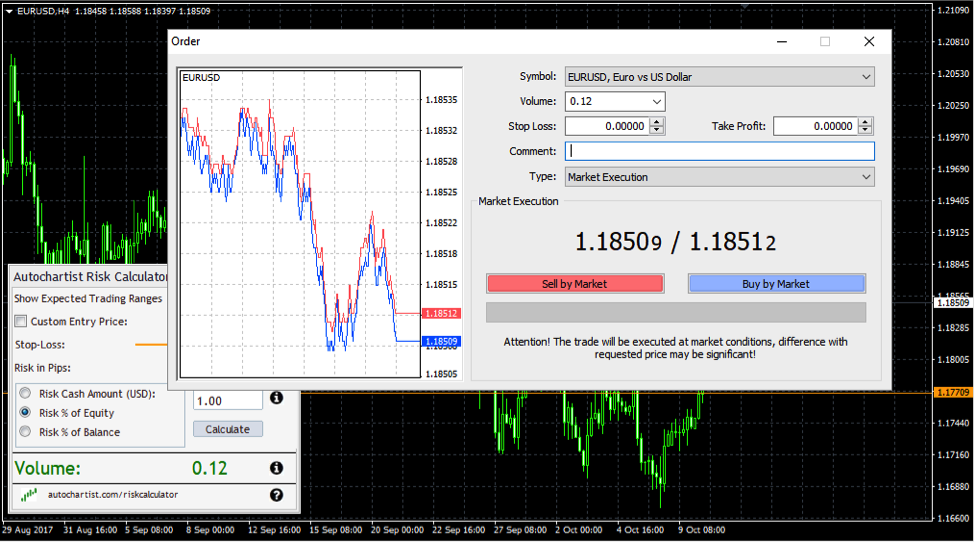
To set the correct trade size when trading the current market price
- Decide on where you want to set your stop loss and move the orange line to that level.
- If the orange line is below the current price then the indicator assumes you are planning on a LONG position. If the orange line is above the current price then the indicator assumes you are planning a SHORT position.
- Decide on how much money you want to risk on this trade. Set the Cash Amount, or the Risk as % of Equity or Risk as % of Balance value.
- Click the “Calculate” button.
The Volume is the size of the position you need to set in your deal ticket window:
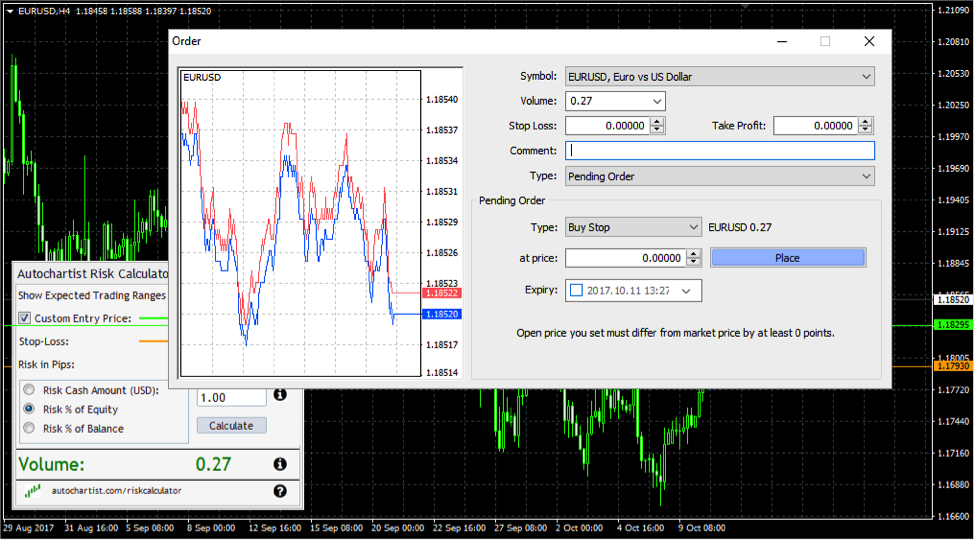
To set the correct trade size when trading pending orders
- Click the Checkbox next to “Custom Entry Price”. Once you do this a green line will appear. This green line represents the entry level at which you plan to set your pending order.
- Move the green entry line to your desired trade entry level
- Move the orange stop loss line to your desired stop loss level
- Decide on how much money you want to risk on this trade. Set the Cash Amount, or the Risk as % of Equity or Risk as % of Balance value.
- Click the “Calculate” button.
The Volume is the size of the position you need to set in your deal ticket window:
Using Autochartist’s Expected Trading Range as a volatility guide
The Risk Analyzer is also integrated with Autochartist’s Volatility Analysis data. This means that if you tick the “Show Expected Trading Ranges” checkbox, you’ll get the expected trading ranges along with the position sizes for the different levels.
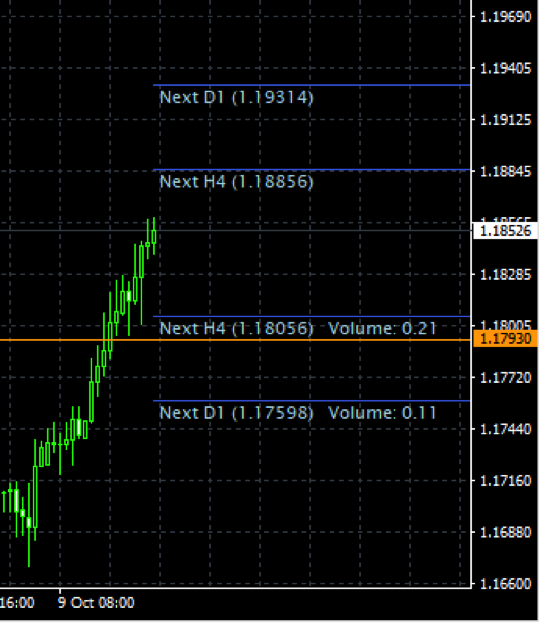
This allows you to not only consider your trading strategy for stop loss levels, but also the expected price volatility. You will notice how the position size is specified on each level. In this example, to risk 1% of my capital with an entry at the current market price and stop loss at 1.17598, we need to set a position size of 0.11.
5. Troubleshooting
5.1 Please note: Some Anti-Virus software incorrectly detects our plugin installer as a virus.
click here for more details
5.2 MT4 Installation - Invalid Destination
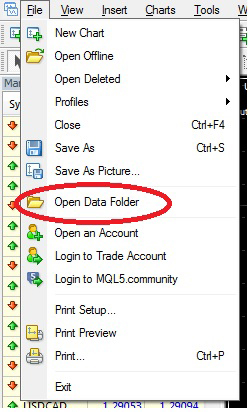
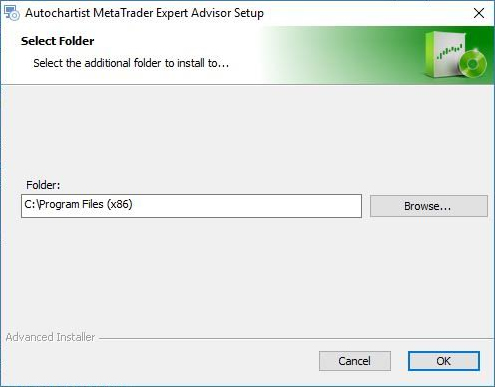
1. When installing the plugin, if your MetaTrader terminal was not listed during the detection step, press the "Add Additional…" button.2. Start your MetaTrader terminal, and click on 'File', then click on 'Open Data Folder'.
3. A Windows Explorer window will open up. Click on an open space next to the address bar to highlight the path.

4. Copy the path in the address bar and return to the Autochartist installer.

4.3 Risk Calculator